Themes
TL;DR
Three themes and six looks, every one of them theme.yaml plus one stylesheet on top of base. A site switches with two lines in snypd.yaml or one sentence to its agent, and nothing is listed here that snypd check theme does not pass.
How a theme gets onto this page
A theme is a directory with a theme.yaml and a theme.css. Every layout and every one of the thirteen primitives it does not declare resolves up extends: to base, which renders semantic HTML with one class per block and styles nothing — so a theme is a stylesheet with a manifest, and a variation is a named set of token values inside that manifest. The pictures below are the bench's own: snypd bench gallery builds the same fixture — every primitive, every layout, once — under each look, measures it in headless Chrome at 1280 and 390 px, and photographs it. The rule for a listing is exit code 1: snypd check theme <name> has to pass, and every look here does, with zero JavaScript on the page and zero axe violations at both widths (the record).
To use one, name it:
theme:
  use: editorial
  variation: ink
Or ask: "switch this site to editorial, the ink look" — theme › set takes a name and a variation, and snypd://themes is the read an agent makes to choose.
editorial
Long-form reading. One serif column at a comfortable measure, generous leading, a single accent used sparingly. Figures, charts, diagrams and flows break out of the column; nothing else does. One subsetted variable webfont, declared at 31 KB and measured under it. Zero JS.
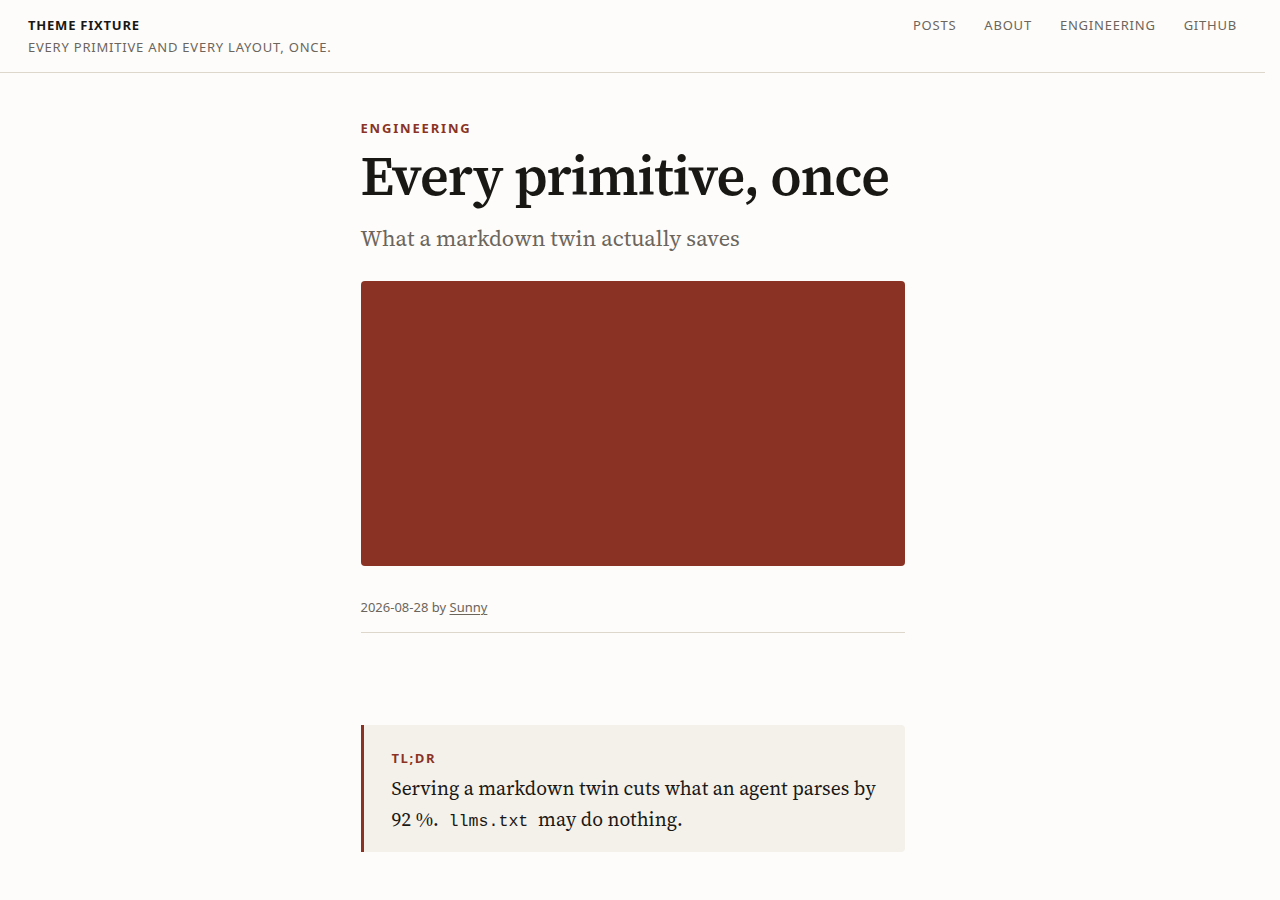
variation: paper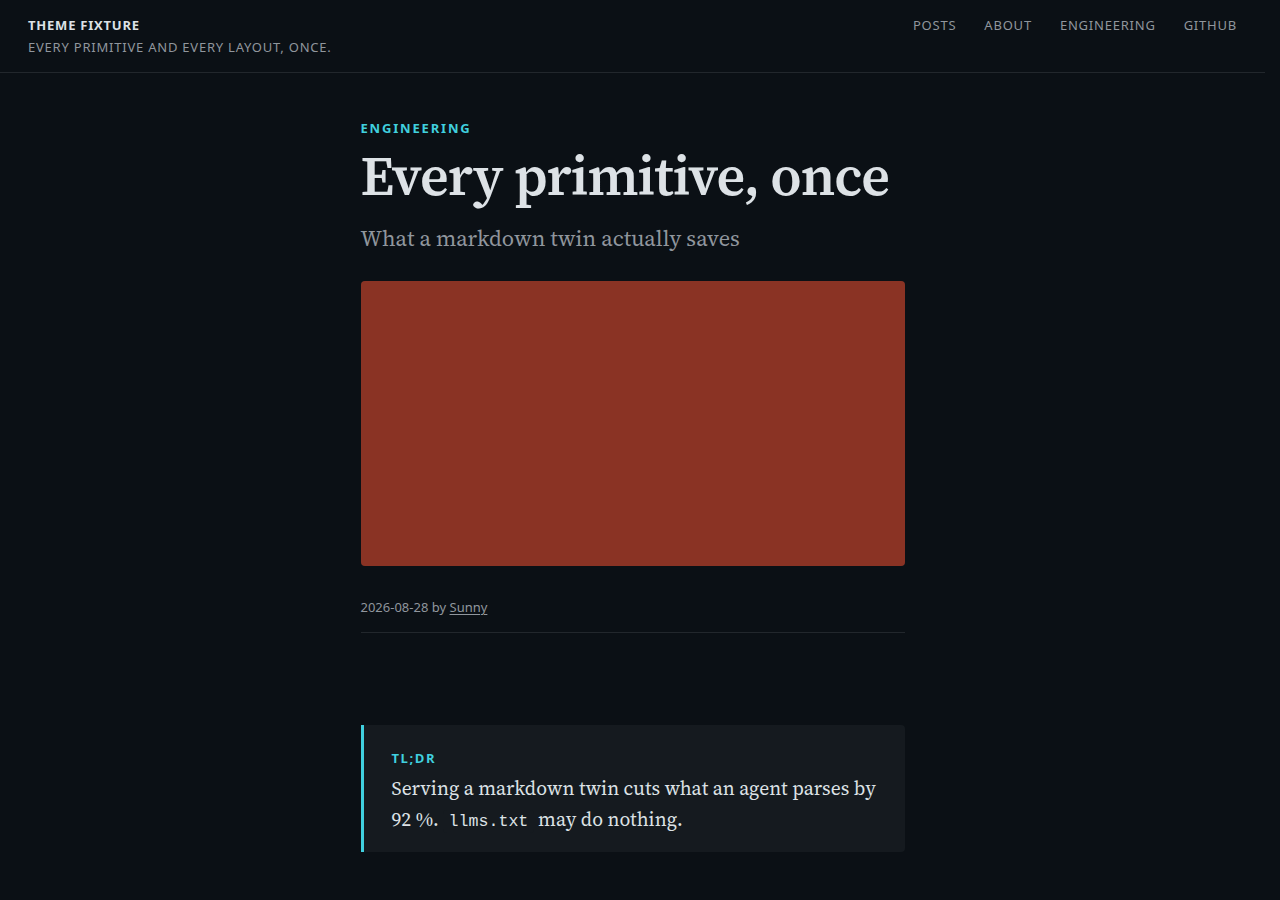
variation: ink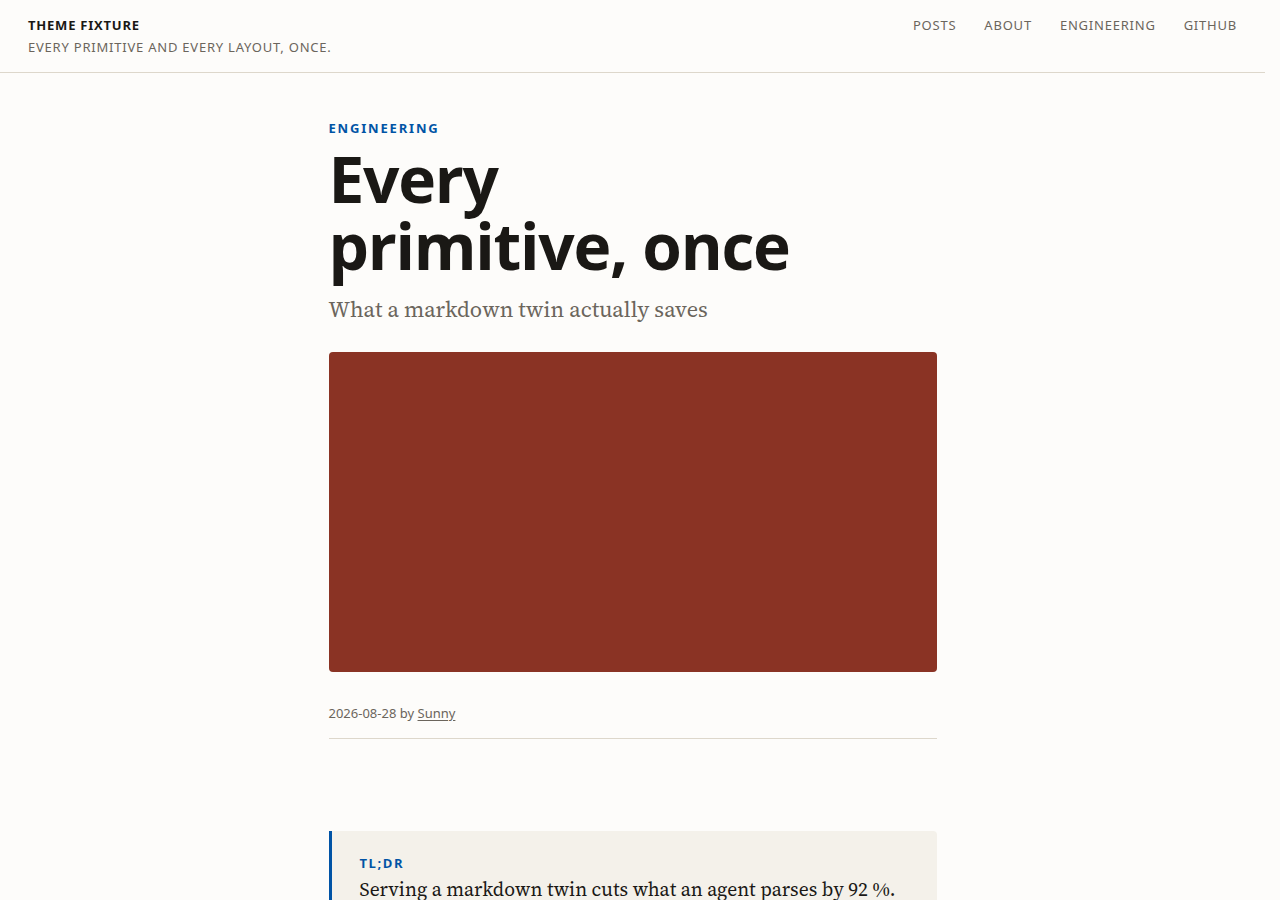
variation: broadsheettechnical
Reference. A wide measure for scanning, mono headings and chrome, a contents list built from the heading tree, and tables and code blocks that take the width they need. Figures, charts, diagrams and flows break out as they do everywhere. No webfont, so its font budget is 0 and it meets it. Zero JS.
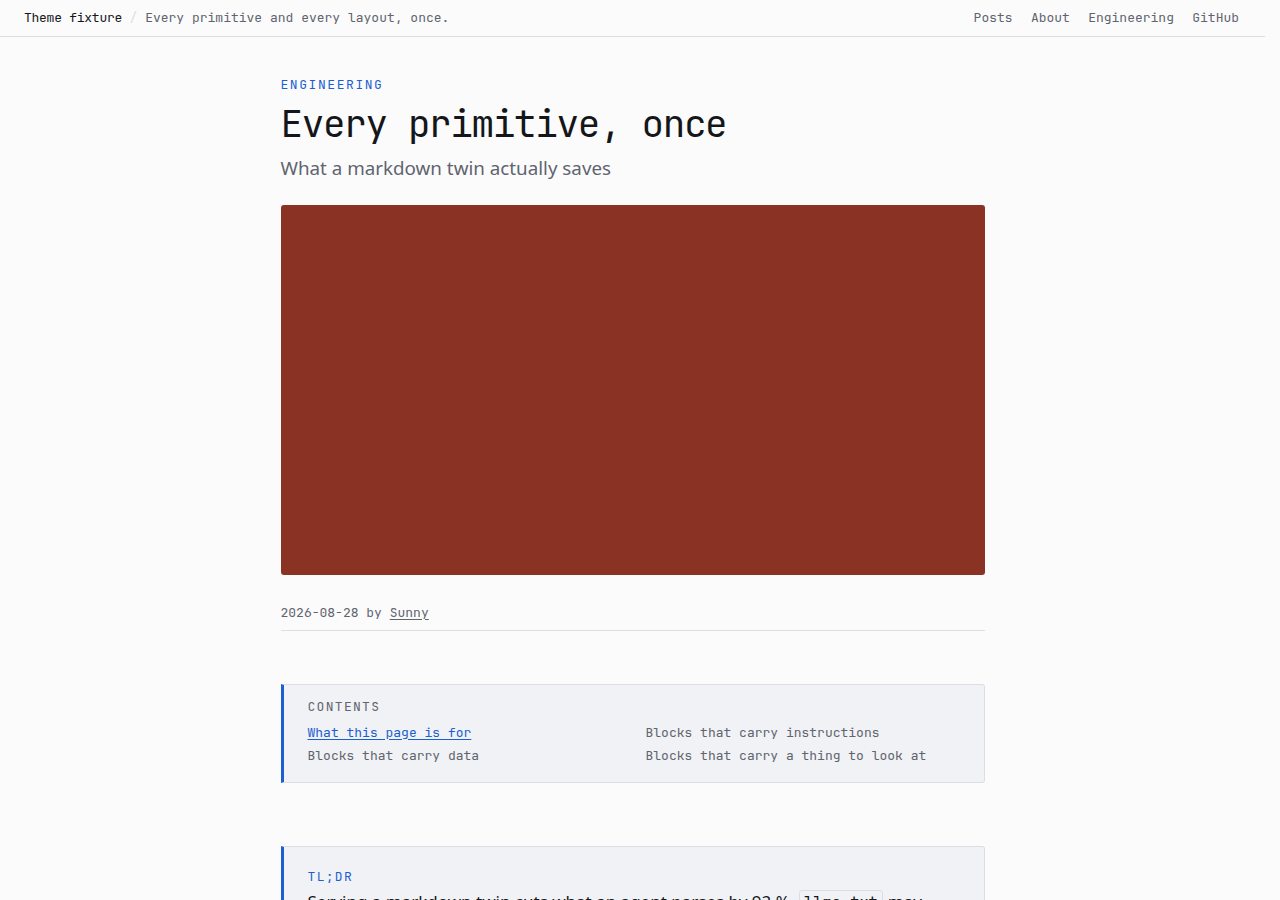
variation: graphite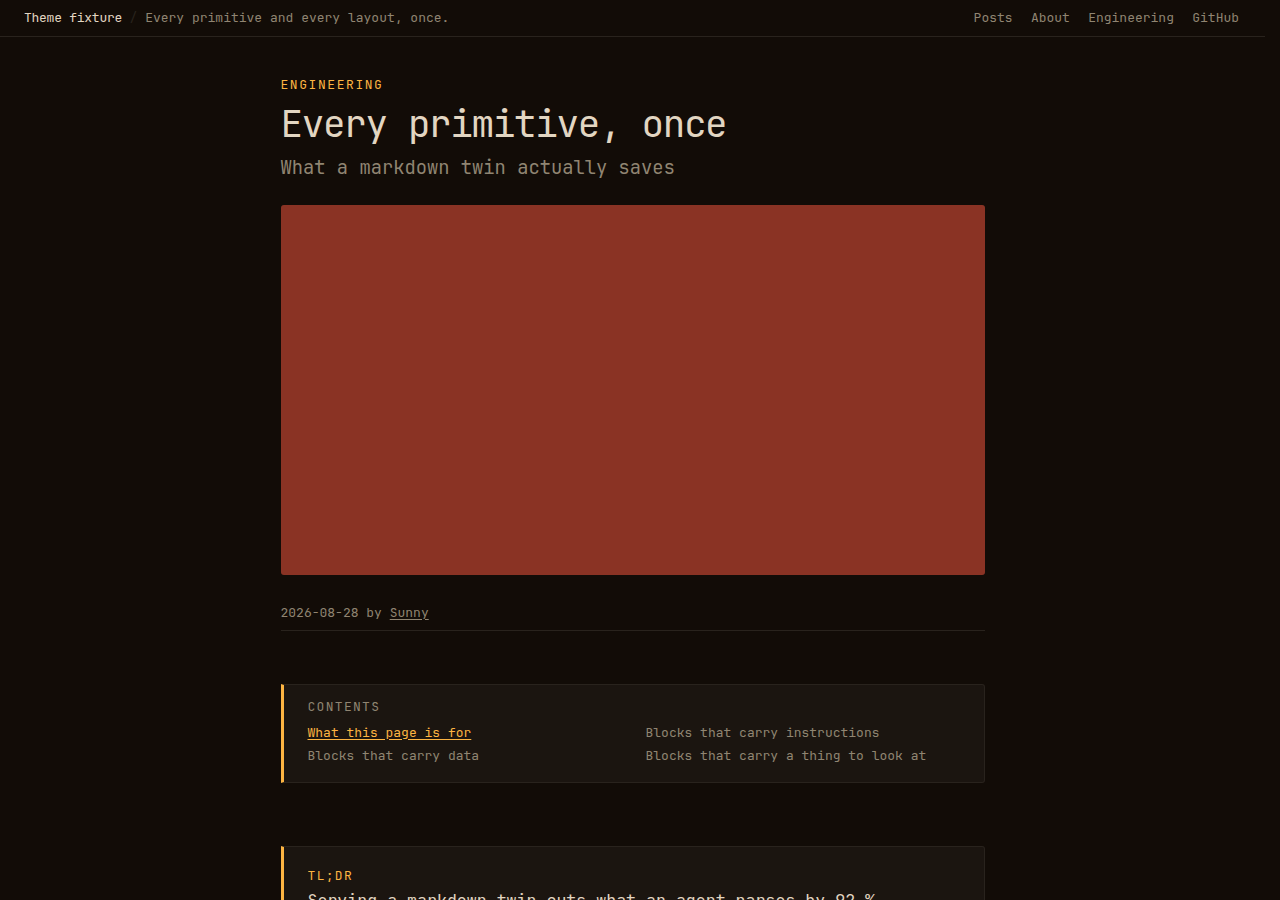
variation: phosphorbase
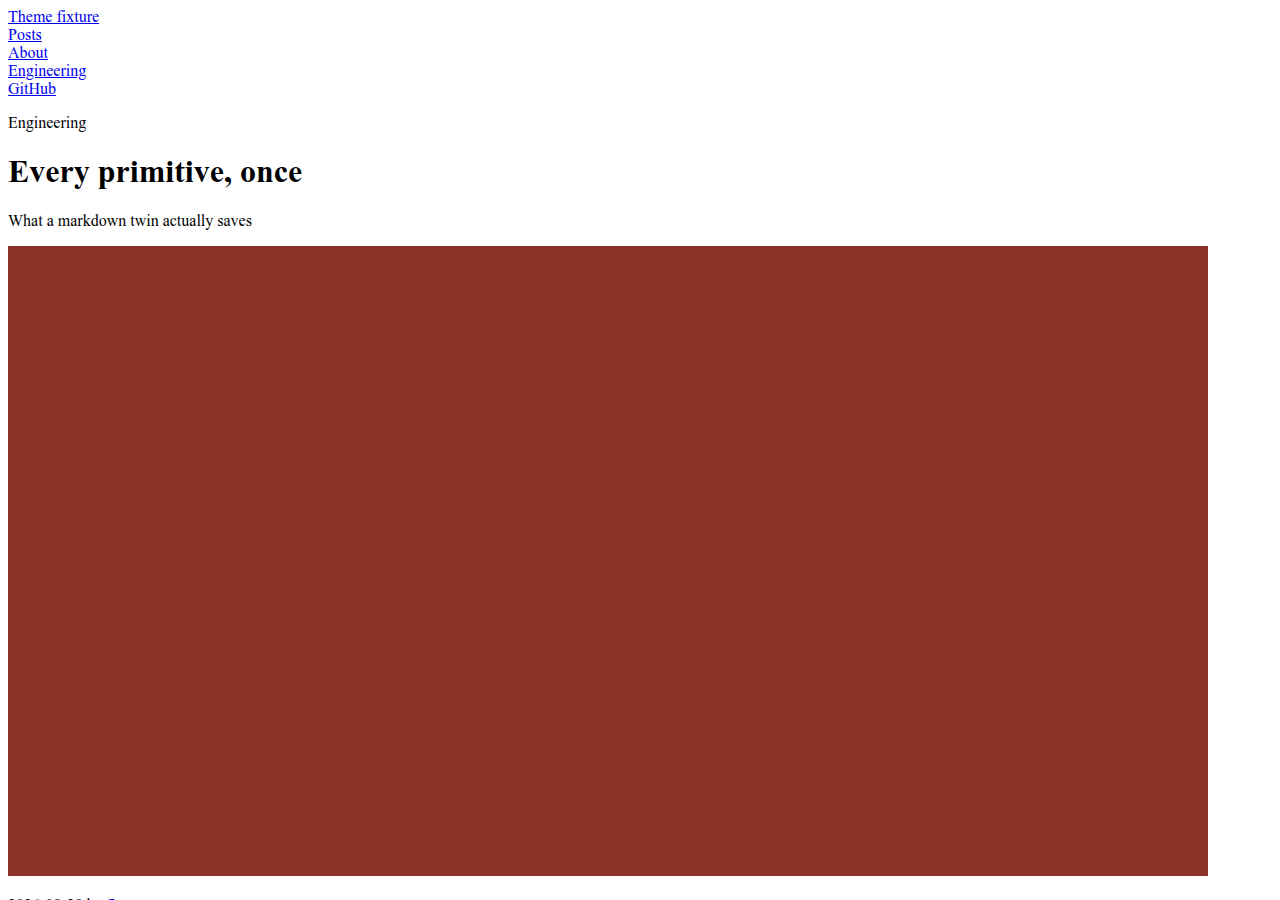
Unstyled. Semantic HTML only, one class per primitive (snypd-<name>), so a child theme styles it without touching markup. It is what every other theme extends and what a site gets with no theme: at all — listed here because it is a real theme that passes the same check, not because anyone should ship it.
use: baseMake one
build-theme is a prompt the server ships: it scaffolds a theme from base, walks the tokens, and ends by looking at the result at a phone width and a desktop one, because a theme is the one thing whose defects every other gate misses. snypd new theme <name> is the same scaffold from the command line, and snypd check theme <name> is the gate this page applies. Themes are npm packages named snypd-theme-<name>; theme.use resolves node_modules/snypd-theme-<name> the same way it resolves themes/<name>. There is no marketplace and no install button — npm is the registry, this page is the shelf.